QR Codes on Flyers and Posters: Size, Contrast and Best Practice
A QR code on a flyer should be at least 2×2 cm (20×20 mm), plus a quiet zone four modules wide around the code. On posters and banners, work out the size from the scanning distance: roughly 1/10 of the distance, so about 10 cm at 1 m and about 30 cm at 3 m. Print the code as a vector (SVG, PDF) or as a bitmap at a minimum of 300 DPI, in a dark colour on a light background, with a short link carrying UTM parameters. Always scan a 1:1 test print with several phones.
A QR code on a flyer only works if a phone reads it first time. If the code is too small, squeezed into a corner, printed in a pale colour or leads to a broken page, people won't try again. Below you'll find specific sizes for flyers, business cards, posters and banners, the rules for the quiet zone and contrast, how to set up a short link that tracks scans, and a simple test worth doing before you send your file to the printer.
What size should a QR code be on a flyer or business card?
For hand-held print, viewed from 15–25 cm, allow a minimum of 2×2 cm for the code itself, excluding the quiet zone. That's a safe limit for most phones, provided the code contains a short link. The longer the URL, the more modules (the little squares) the code has, and the smaller each one becomes at the same overall size.
A practical rule: a single module shouldn't be smaller than about 0.5 mm. If your code has lots of modules and space is tight, shorten the link rather than shrinking the code. On a business card, 15–18 mm will only scan with a very short URL, so a simple link matters especially there.
| Print item | Typical scanning distance | Recommended code size |
|---|---|---|
| Business card 85×55 mm (EU 90×50 mm) | 15–20 cm | 18–22 mm |
| A6 or DL flyer | 20–25 cm | 20–25 mm |
| A5 or A4 flyer, menu | 25–40 cm | 25–35 mm |
| Label, swing tag, sticker | 10–20 cm | min. 15–20 mm, depending on link length |
| Voucher, invitation | 20–25 cm | 20–25 mm |
How big should a QR code be on a poster, roller banner or banner?
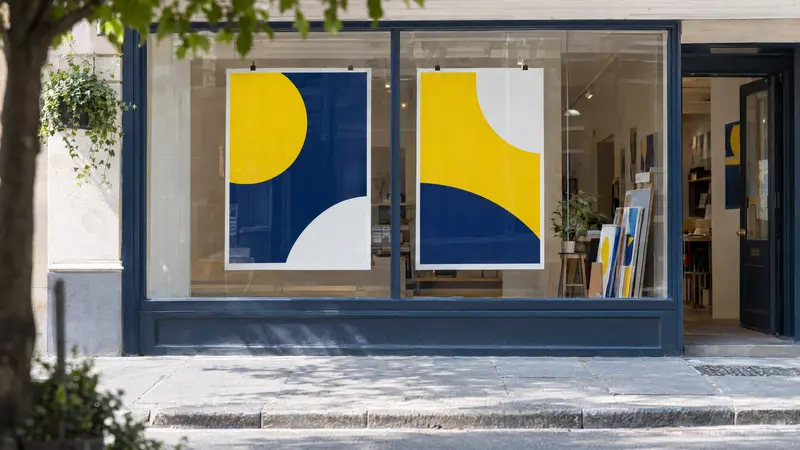
On larger formats, the size depends on the distance from which someone will scan it. The tried-and-tested ratio is 10:1, so the side of the code should be about 1/10 of the distance. In poor light, behind shop-window glass or when people scan at an angle, add a margin of 20–30%.
On an A3 poster on a noticeboard, 5–8 cm is enough, because people come up close. The same poster in a shop window, viewed through the glass from the pavement, needs a 10–15 cm code. On a roller banner, place the code at roughly eye level rather than near the bottom edge, where tables and people often block it.
| Scanning distance | Minimum code size | Example |
|---|---|---|
| 30–50 cm | 3–5 cm | A4–A3 poster on a noticeboard |
| 1 m | approx. 10 cm | A2–A1 poster, roller banner on a stand |
| 2 m | approx. 20 cm | shop-window poster, sign |
| 3 m | approx. 30 cm | banner on a fence by the pavement |
| 5 m | approx. 50 cm | banner visible from across the street |
The quiet zone: how much clear space around the code?
The quiet zone is the empty, light margin around the code. The QR standard specifies 4 modules on every side, so for a 25 mm code with 25 modules that's about 4 mm. Without this margin, the camera can't tell where the code begins, particularly when there's a photo, pattern or text right next to it.
Don't place the code on the fold of a folded flyer, near the trim line or on a sharply curved surface such as a slim bottle. Keep it inside the safe area, at least a few millimetres from the edge of the trimmed size, because cutting has its own tolerance.
- Quiet zone: at least 4 modules of light background on every side.
- No borders, decorations or text encroaching on this margin.
- Not on a crease, a fold or in the bleed.
- On a photo or pattern: put a solid light panel behind the code.
Contrast and colours: what you can change and what to avoid
A dark code on a light background is the most reliable option. The code doesn't have to be black: navy, dark green or burgundy work too, as long as there's a big difference in lightness from the background. Problems come from pale colours (yellow, light blue, pastels), gradients running through the code and inverted layouts, i.e. a light code on a dark background, which some readers can't decode.
For offset printing, set the code in 100% K rather than a four-colour rich black, because even a slight misregistration blurs the edges of the modules. Watch the finish too: gloss lamination, UV varnish and shop-window glass all create glare that can make a code unreadable. Matt lamination is the safer choice here.
| Option | Readability | Notes |
|---|---|---|
| Black 100% K on white | very good | the safest choice |
| Dark brand colour on white | good | check the contrast on a print |
| Light code on a dark background | unreliable | some apps won't read it |
| Pastel or yellow code | poor | too little difference in lightness |
| Logo in the centre of the code | good at level H | keep the logo small, always test |
Short links, dynamic codes and UTM tracking
The shorter the URL in the code, the fewer modules it has and the easier it is to scan at a small size. Instead of a long link with lots of parameters, use a short page such as yourdomain.com/promo that redirects onwards, or a link shortener. The landing page must work on mobile and use https, because people scan with a smartphone.
To see how many people came from your flyer, add UTM parameters to the destination link: utm_source (e.g. flyer), utm_medium (e.g. print) and utm_campaign (e.g. shop-opening). Your analytics tool will then show traffic from each printed item separately. The neatest approach is to hide the long UTM link behind a short redirect on your own domain.
A static code holds the URL permanently and never expires. A dynamic code goes through an intermediary service, lets you change the destination after printing and counts scans, but usually only works with a paid subscription. If the subscription lapses, printed codes may stop working, so for large print runs a redirect on your own domain is the better option.
- A separate UTM link for each medium: flyer, poster, banner.
- The same parameter names throughout the campaign, in lower case.
- A redirect on your own domain instead of a third-party service.
- A landing page optimised for mobile and matched to the printed content.
The caption under the code: what to write so people scan it
A square on its own doesn't say what will happen after the scan. A short caption beside or below the code explains the benefit and gives people a clear reason to scan. Be specific, use the imperative, and add a short URL in text for anyone whose scan doesn't work.
- Online menu: ‘Scan to see our full menu with prices’.
- Discount: ‘Scan for 10% off your first order’.
- Booking: ‘Book a table in 30 seconds’.
- Event: ‘Scan to sign up for the workshop’.
- Review: ‘Rate us on Google – scan the code’.
- Contact: ‘Save our number to your phone’.
- Directions: ‘Scan to open the map’.
- Always add a short URL in text under the code, e.g. yourdomain.com/promo.
The print file and the pre-press test
Place the code in your design as a vector (SVG, PDF, EPS). If you only have a bitmap, it must be at least 300 DPI at the final size and must not be enlarged or smoothed, as this blurs the module edges. For large formats set up at 1:10 scale, a vector is essential: a 15 cm code on a roller banner is only 1.5 cm in the file. At plakaty.shop, for example, roller banner and banner files are prepared at 1:10 scale, and flyers at trimmed size with 3 mm bleed and a safe area, so keep the code inside that safe area.
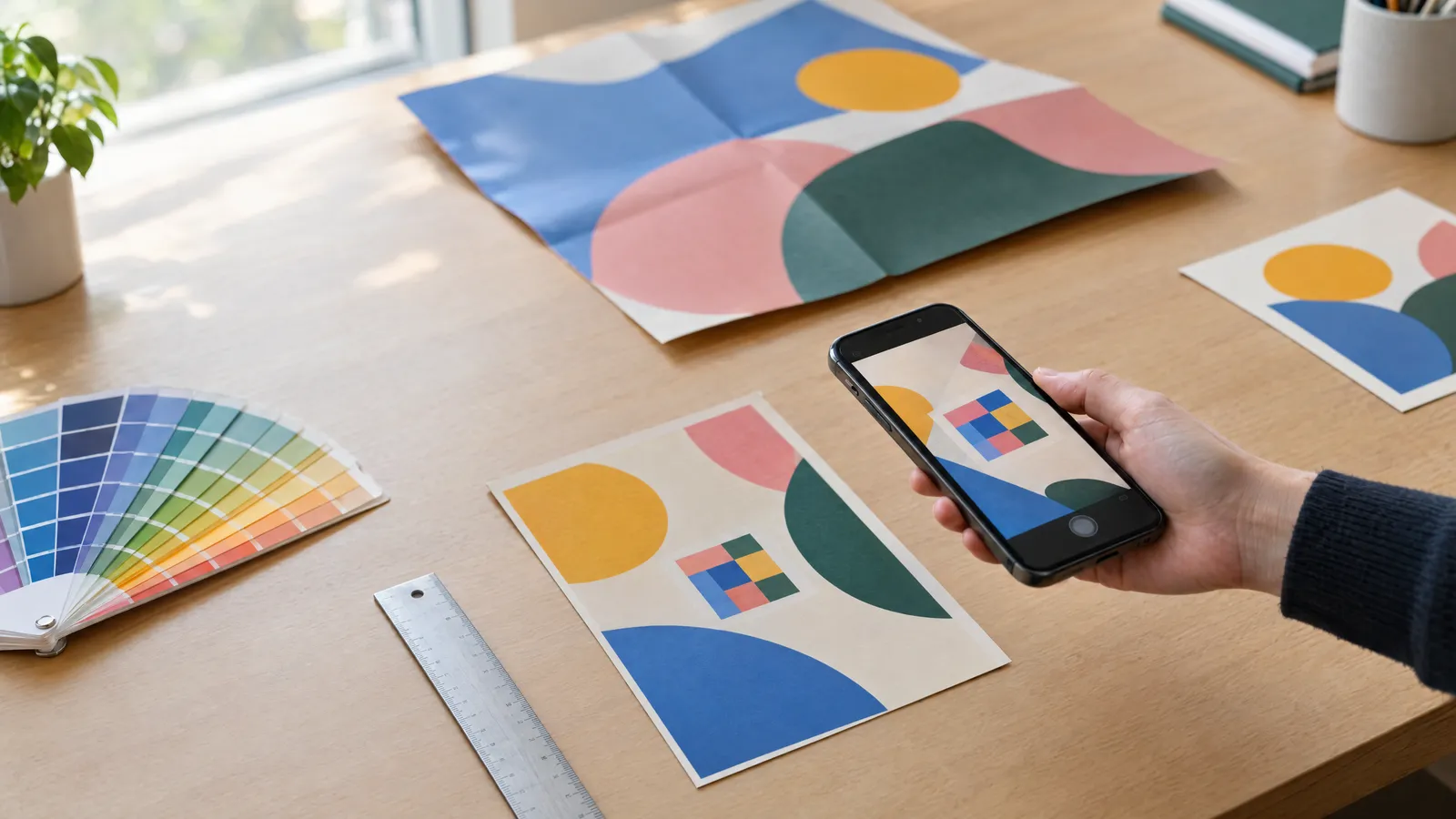
Before printing, print the page at 100% scale on an ordinary printer and scan the code with at least two phones running different operating systems, from the intended distance, in dimmer light and at a slight angle. Check that the link opens the right page and that a visit with the UTM parameters shows up in your analytics. Only then approve the file, and read through all the text, phone numbers and addresses once more.
Checklist
- The code is at least 2×2 cm on a flyer, and about 1/10 of the scanning distance on a poster
- There is a quiet zone of at least 4 modules around the code
- Dark code on a light, solid background, in 100% K for offset printing
- Code supplied as a vector or as a bitmap of at least 300 DPI at final size
- Short link on your own domain, with UTM parameters in the redirect
- The landing page works on mobile and uses https
- Caption under the code stating the benefit, plus the URL in text
- Code kept clear of folds, bleed and the trim line
- 1:1 test print scanned with at least two phones
FAQs
What is the minimum size for a QR code on a flyer?
The safe minimum is 2×2 cm for the code itself, plus a quiet zone four modules wide. With a very short link on a business card you can go down to about 15–18 mm, but this needs testing on a print. With a long URL, it's better to increase the code to 25–30 mm or shorten the link.
Can a QR code be in colour?
Yes, as long as the code is clearly darker than the background, e.g. navy or dark green on white. Avoid pale colours, gradients through the code and inverted layouts, i.e. a light code on a dark background. Always check a coloured code by scanning a test print.
Do QR codes expire?
A static code holds the URL permanently and doesn't expire; it will only stop working if you take the landing page down. A dynamic code from a third-party service may stop working when the subscription ends. That's why, for print with a long shelf life, it's better to point the code at a redirect on your own domain.
How can I see how many people scanned the QR code on my flyer?
Add UTM parameters to the destination link, e.g. utm_source=flyer, utm_medium=print and a campaign name. Your analytics tool will then show visits from that specific printed item. The alternative is a dynamic code, which counts scans itself.
Can I put a logo in the middle of a QR code?
Yes, if you generate the code with the high error-correction level H, which recovers up to about 30% of damaged data. The logo should be small and must not cover the three large squares in the corners. Always test a code like this on several phones before printing.
Where is the best place for a QR code on a flyer?
Usually towards the bottom or on the reverse, next to a clear call to action and your contact details. Leave clear space around it and keep it away from folds and trim edges. The code should be easy to find, but it doesn't need to dominate the main content.