How to Design a Business Card: What It Must Include
To design a business card, set up your artwork at 85×55 mm (the UK and Irish standard) or 90×50 mm. Add 3 mm bleed on every side, so the file measures 91×61 mm or 96×56 mm. Keep text at least 3–4 mm inside the trim line, and supply the file in CMYK at 300 DPI. Include your name, job title, company name or logo, phone number, email address and website. Set contact details no smaller than 7–8 pt. Most cards are printed on 350 g/m² board, often with a matt or soft-touch laminate.
A business card has less space than any other promotional print, so every millimetre has to earn its place. Good design is about more than an attractive logo. It also means clear, legible details, a correctly prepared file and a well-considered reverse side. Below are the rules our print-house designers work to. They cover what must go on a business card and what is best left off. You'll also find guidance on choosing font sizes, QR codes, stock and finishes, and on tailoring the design to your profession.
What must go on a business card?
A business card has one job: to make it easy for someone to get in touch and to remember what you do. That's why the set of details should be short and unambiguous. If, after three seconds, the recipient doesn't know who you are and how to ring you, the design needs another look.
Order matters. The most prominent element should be your name or the company name, depending on whether you're selling yourself or the brand. Next comes your job title or line of business. The contact details come last, set in a single, consistent block.
- Name – the largest text element if the card is a personal one.
- Job title or specialism – one short descriptor, e.g. 'Mortgage Adviser'.
- Company name and logo – use a vector version of the logo, never a screenshot.
- Phone number – written legibly with the digits grouped, e.g. +44 7700 900123.
- Email address – ideally a business one on your website's domain.
- Website – leave out 'https://'; the domain alone is enough.
- Address – only if customers come to you (a shop, clinic or workshop).
What should you leave off a business card?
The most common mistake is trying to fit everything in: three phone numbers, five social media icons, your full range of services and a strapline. The result is tiny, cramped text that nobody will read. It's better to choose two or three main contact channels and move the rest to your website or a QR code.
- Several phone numbers with no labels – keep one main number.
- Every social media profile – pick the one where you're genuinely active.
- A full price list and a long list of services – these change faster than you'll get through a print run of cards.
- A personal email address with an odd username – it undermines credibility.
- Low-resolution photos and stock-image backgrounds that drown out the text.
- Decorative or handwritten-style fonts in the contact details – if you use them at all, save them for the name.
- Important elements right at the edge, and thin borders running along the edges – these can end up looking crooked after trimming.
Business card sizes, bleed and font sizes
In the UK and Ireland, and in much of Europe, the standard is 85×55 mm, which is roughly credit-card size. In Poland and parts of Central Europe, 90×50 mm is the norm. Whichever size you use, add 3 mm bleed on every side. Backgrounds and graphics that run to the edge must extend beyond the finished size. Keep text and logos within the safe area, at least 3–4 mm from the trim line.
Set contact details at 7–8 pt, and the name usually at 10–14 pt. Only go below 7 pt with a simple, clear sans-serif typeface. With light text on a dark background, or with light and thin font weights, stick to 8–9 pt. Small black text should be set in K 100% only, not four-colour black, to avoid blurring caused by misregistration.
| Format | Trimmed size | File size with 3 mm bleed | Use |
|---|---|---|---|
| UK and European standard | 85×55 mm | 91×61 mm | Credit-card size, the norm in the UK and Ireland |
| Polish / Central European standard | 90×50 mm | 96×56 mm | Common in Poland; fits most card holders there |
| Square | 65×65 mm | 71×71 mm | Creative industries, standing out through shape |
What should go on the back of a business card?
The reverse is the place for whatever wouldn't fit on the front without clutter. A neat approach is to split the content. Put just the logo or name on a coloured background on one side, and the full set of details on the other. A card like this looks clean and communicates the brand at a glance.
Both sides should use the same colours and fonts. Bear in mind that double-sided printing usually costs more. The reverse shouldn't be crammed either: if you have nothing meaningful to put there, a solid brand colour is the better choice.
- Your logo on a full background in the brand colour.
- A QR code linking to your website, portfolio or an electronic contact card (vCard).
- A short list of your 3–4 main services.
- A location map or opening hours – for shops, venues and clinics.
- A space to write in the next appointment – for salons and clinics. In that case, choose unlaminated stock so it can be written on.
QR codes on business cards: how to add one that works
A QR code on a business card usually links to a website or a business listing on a maps service. It can also save the contact straight to a phone (vCard format). A vCard code holds a lot of data, so it's denser and needs to be printed larger. A short link produces a simpler code that's easier to scan.
On a business card, the code should be at least 15–20 mm square, with a clear margin around it. This margin is known as the quiet zone and should be a minimum of 4 modules. Print the code in a dark colour on a light background. Don't invert the colours, and don't let a logo cover too much of it. Before going to print, scan a 1:1 printout with several different phones.
- Use the code in vector form (SVG, PDF) or as a high-resolution PNG.
- If the destination address might change, consider a dynamic code with a redirect.
- Add a short caption, e.g. 'Save my contact' or 'View my portfolio'.
Business card stock and finishes
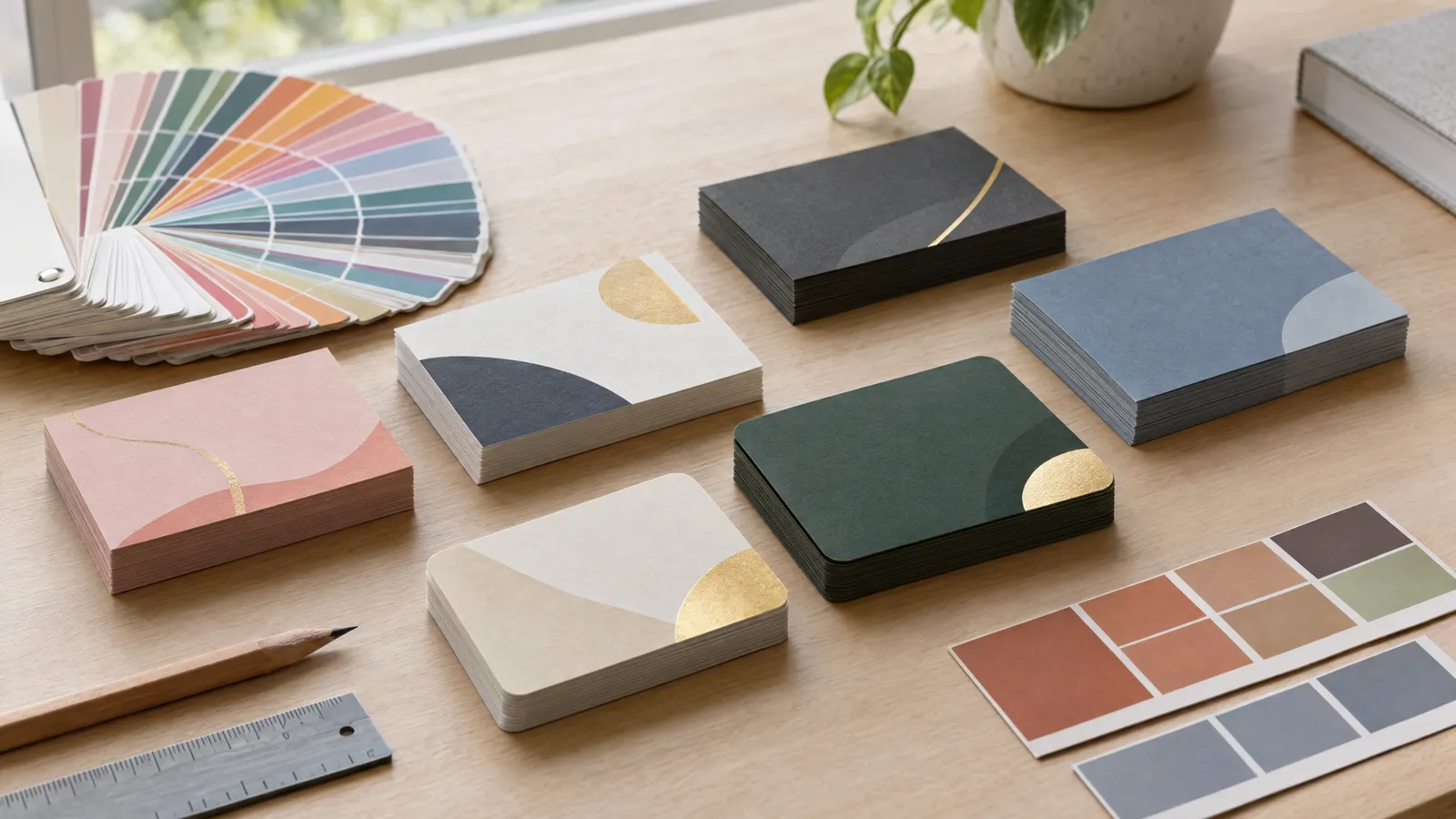
Business cards are typically printed on 300–400 g/m² board, most often 350 g/m². Thinner stock bends in a wallet. Heavier stock, such as 600 g/m² or duplexed boards, gives a premium feel but costs more. The right choice depends on your budget and sector. For a company handing out hundreds of cards at trade shows, price matters most. For an architect or jeweller, how the card feels in the hand matters more.
Embellishments such as spot UV varnish or foiling usually require a separate layer or a mask file. Their elements shouldn't be too thin or fine, as they may fill in or fail to print cleanly. Your printer will specify the exact minimums.
| Finish | Effect | When to choose it |
|---|---|---|
| Matt laminate | Elegant, understated look; shows fewer fingerprints | An all-rounder, ideal for professional services |
| Gloss laminate | More vibrant colours, a glossy sheen | Designs with photos and intense colours |
| Soft-touch laminate | Velvety to the touch, a premium feel | Luxury and creative sectors |
| Spot UV varnish | Selected elements, e.g. the logo, made glossy | Making a logo stand out on a matt background |
| Foiling / hot-foil stamping | Metallic foil shine | Jewellers, solicitors, the wedding industry |
| Rounded corners | A softer shape and more durable corners | Friendly brands, children's and beauty businesses |
| Unlaminated stock | Natural texture that can be written on | When the customer needs to add something by hand |
Business cards for different professions: what to highlight
The set of details is similar in every sector, but the emphasis differs. A plumber's card, which a customer pins to the fridge, does a different job from a solicitor's card, which needs to build trust. Before you start designing, ask yourself: what will the customer do with this card in a week's time?
If you'd rather not design from scratch, you can order a business card design from plakaty.shop (wielkareklama.eu studio). It's available at 90×50 mm, 85×55 mm or 65 mm square, with a print-ready PDF including 3 mm bleed. A matching reverse side is available for an extra charge.
| Profession / sector | What to highlight | Ideas for the reverse |
|---|---|---|
| Tradesperson (plumber, electrician) | A large phone number, the services offered | List of services, area covered |
| Hairdresser, beautician, clinic | Salon name, booking phone number | Appointment space, QR code for online booking |
| Solicitor, adviser, accountant | Name, title, specialism | An understated logo, office address |
| Graphic designer, photographer, architect | Brand name, visual style | A sample of work or a QR code to your portfolio |
| Food and hospitality | Logo, address, opening hours | Location map, QR code to the menu |
| Sales rep, representative | Name, job title, mobile number | Company logo, vCard QR code |
Checklist
- Trimmed size 85×55 mm or 90×50 mm, with 3 mm bleed on every side of the file
- Text and logo at least 3–4 mm inside the trim line
- Contact details at least 7–8 pt, with the name noticeably larger
- File in CMYK, images at 300 DPI, logo in vector format
- Small black text in K 100% only
- QR code at least 15–20 mm, tested on a printout with several phones
- Name, phone number, email and website address read aloud to check them
- Both sides in the same colours and fonts
- Embellishments prepared as a separate layer or file, if the printer requires it
FAQs
What is the standard business card size in the UK?
The standard business card in the UK and Ireland measures 85×55 mm, roughly the size of a credit card. In Poland and parts of Central Europe, 90×50 mm is more common. For either size, add 3 mm bleed on every side of the file.
What is the minimum font size on a business card?
Contact details are best set at 7–8 pt, and the name usually at 10–14 pt. Smaller text can be illegible, especially with thin fonts or light lettering on a dark background. In those cases, it's safer to use 8–9 pt.
Is it worth putting a QR code on a business card?
Yes, as long as it leads somewhere useful, such as your website, portfolio or online booking, or saves your contact details to a phone. The code should be at least 15–20 mm square with a clear margin around it. Always test it on a printout before ordering the full run.
What stock should I choose for business cards?
The most common choice is 350 g/m² coated board, which is rigid and won't bend in a wallet. Popular finishes are matt or soft-touch laminate. If your customers need to write on the card, choose unlaminated stock.
What should I put on the back of a business card?
Good options for the reverse include a logo on a coloured background, a QR code, a short list of services, opening hours or an appointment space. It's important that its colours match the front. If you have nothing meaningful to put there, a solid brand colour is enough.
What format should I send my business card to the printer in?
The safest option is a PDF in CMYK at the trimmed size plus 3 mm bleed on every side, with images at 300 DPI. Fonts should be embedded or converted to outlines. Before sending, check that no text sits closer than 3–4 mm to the trim edge.