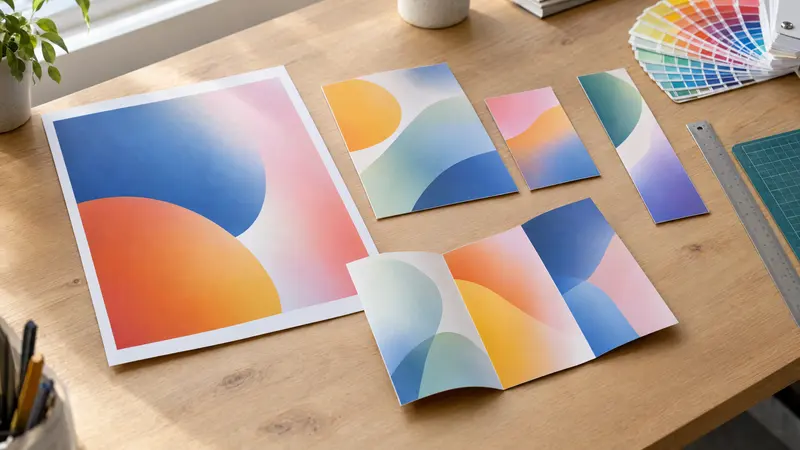
Poster sizes: from A4 to A1 and B1 – dimensions in cm
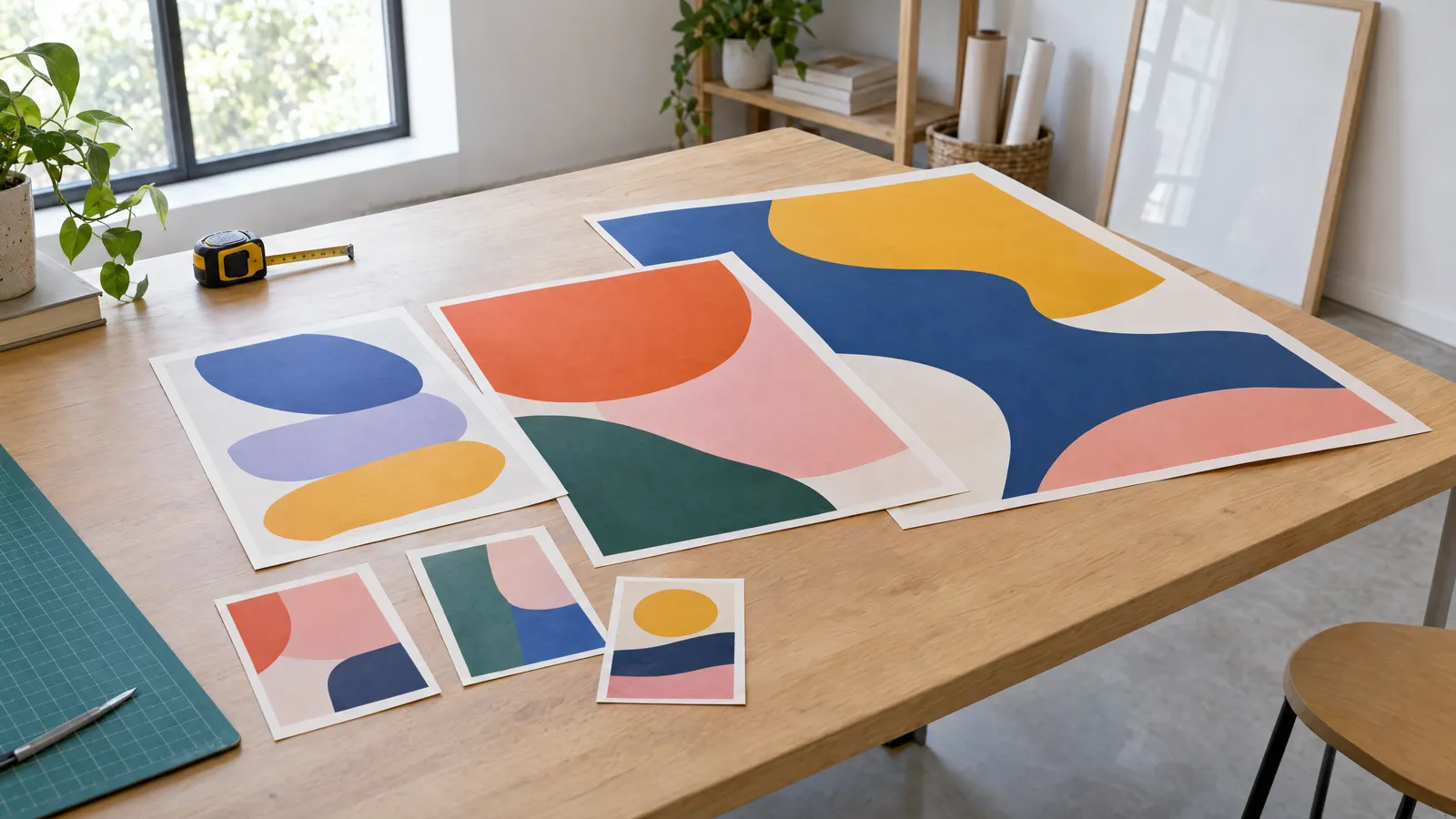
The most popular poster sizes are A4 (21 × 29.7 cm), A3 (29.7 × 42 cm), A2 (42 × 59.4 cm), A1 (59.4 × 84.1 cm) and B1 (70.7 × 100 cm), plus the frame sizes 50 × 70 and 70 × 100 cm. Each step up the A series doubles the area, and you can move a design up one size by scaling it to 141% without changing its proportions. Prepare your print file at the trimmed size with 3 mm bleed, at 300 DPI for A4–A3 and at least 150 DPI for A1 and larger.
Choosing a poster size isn't just about how much wall space you have. The size decides how far away someone can read your headline, which clip frame you'll need to buy and how you should set up the file so the printer doesn't send it back for corrections. Below you'll find a full set of dimensions in centimetres and millimetres, approximate reading distances, typical places to display each size and the rules for scaling a design between the A and B series and the 50 × 70 and 70 × 100 cm frame sizes.
A and B poster sizes – dimensions table in cm
The A and B series are defined by the ISO 216 standard. All of them share the same 1:√2 aspect ratio (approx. 1:1.414), so when you cut a sheet in half you get the next size down with exactly the same shape. The A series starts from an A0 sheet with an area of 1 m²; the B series is slightly larger and is often chosen for street and cinema posters.
In practice, posters are most often printed from A4 to A1, and in B2 and B1. Larger sheets (A0, B0) are used less often, mainly for exhibitions, trade shows and large spaces in shopping centres.
| Size | Dimensions in mm | Dimensions in cm | Area |
|---|---|---|---|
| A4 | 210 × 297 | 21 × 29.7 | 1/16 m² |
| A3 | 297 × 420 | 29.7 × 42 | 1/8 m² |
| A2 | 420 × 594 | 42 × 59.4 | 1/4 m² |
| A1 | 594 × 841 | 59.4 × 84.1 | 1/2 m² |
| A0 | 841 × 1189 | 84.1 × 118.9 | 1 m² |
| B3 | 353 × 500 | 35.3 × 50 | approx. 0.18 m² |
| B2 | 500 × 707 | 50 × 70.7 | approx. 0.35 m² |
| B1 | 707 × 1000 | 70.7 × 100 | approx. 0.71 m² |
| B0 | 1000 × 1414 | 100 × 141.4 | approx. 1.41 m² |
50 × 70 and 70 × 100 cm – how do they differ from B2 and B1?
The 50 × 70 and 70 × 100 cm sizes are 'frame' sizes, rounded to whole centimetres. Most clip frames, gallery frames and display cases are made to these dimensions, which is why they're so popular in shops, cinemas and hospitality venues. In practice, 50 × 70 is B2 shortened by 7 mm, and 70 × 100 is B1 made 7 mm narrower.
The proportions of 50 × 70 (1:1.4) are almost identical to the A and B series, so you can transfer an A2 or B2 design without major changes. The 70 × 100 size is a touch 'squatter' (1:1.43), which means adding or trimming about 1 cm of background when you adapt an A1 design. Before you order printing, check whether the frame your poster will hang in is B1 or 70 × 100 – it's a common reason a print won't fit under the glazing.
- 50 × 70 cm – nearly B2 (50 × 70.7 cm), fits standard 50 × 70 clip frames.
- 70 × 100 cm – nearly B1 (70.7 × 100 cm), the standard for advertising columns and noticeboard cases.
- When ordering a frame, always give the exact size in cm, not just the name of the format.
From what distance can a poster of each size be read?
Legibility depends first and foremost on letter height, and only then on the poster size itself. A common rule of thumb in advertising is that 1 cm of capital letter height reads well from about 2–3 m, although typeface, contrast with the background and lighting also play a part. Thin, decorative and italic typefaces need extra headroom.
The values below are a starting point for your design. If the poster hangs in a shop window viewed from the pavement across the street, go bigger than the table suggests. If it hangs by the till, smaller lettering will do.
| Size | Typical reading distance | Headline letter height (min.) | Body text (min.) |
|---|---|---|---|
| A4 | 0.5–1.5 m | approx. 1.5 cm | 12 pt |
| A3 | 1–2 m | approx. 2.5 cm | 16–18 pt |
| A2 | 2–3 m | approx. 4 cm | 24 pt |
| A1 | 3–5 m | approx. 6 cm | 36 pt |
| 50×70 / B2 | 2–4 m | approx. 5 cm | 28–32 pt |
| 70×100 / B1 | 4–6 m | approx. 8 cm | 40–48 pt |
Where do posters of each size get hung?
Choose the size to suit the location and how close your audience will get. A small poster on an advertising column will be lost among the others, while an A1 on a consulting-room door will be overwhelming. Below are typical uses that work well in advertising practice.
- A4 – noticeboards, entrance doors, stairwells, ticket and till windows, display cases in schools and council offices.
- A3 – windows of small shops and service businesses, cafés and restaurants, corridors, countertop stands.
- A2 – shop windows, shopping centre interiors, waiting rooms, office spaces, event posters in venues.
- 50 × 70 cm – clip frames in shops and restaurants, gig posters in venues, interior decoration.
- A1 – large shop windows, building foyers, trade fairs, exhibition stands, academic posters at conferences.
- B1 and 70 × 100 cm – advertising columns and billboards, cinema and theatre display cases, spaces viewed from several metres away.
How to scale a poster design between sizes
Because the A series shares the same proportions, moving up one size always means scaling to 141% (√2), and moving up two sizes means 200%. Type grows as well: 12 pt text on A4 becomes about 34 pt on A1, which suits the greater reading distance nicely. That's why it's worth designing at the final size from the outset, or at a smaller but proportional one.
Moving between the A and B series also preserves the proportions, but the scale isn't a round figure. With the 50 × 70 and 70 × 100 frame sizes you'll also need to trim or extend the background by a few millimetres, so backgrounds and graphics should extend beyond the area holding your key content. Vector graphics (logos, lettering, shapes) scale without any loss, whereas raster photos lose sharpness if their resolution is too low.
- Design in layers – background, graphics, text – so it's easier to adapt the layout to another size.
- Keep logos and lettering as vectors, not as images pasted from a screen.
- After scaling, check the safe area – key content mustn't creep towards the edge.
| From size | To size | Scale | Notes |
|---|---|---|---|
| A4 | A3 | 141% | proportions unchanged |
| A4 | A2 | 200% | proportions unchanged |
| A4 | A1 | 283% | check photo resolution |
| A3 | A1 | 200% | proportions unchanged |
| A2 | 50×70 cm | 119% | trim approx. 7 mm from the height |
| A1 | B1 | 119% | proportions unchanged |
| A1 | 70×100 cm | 119% | trim approx. 7 mm from the width |
Resolution, bleed and the poster print file
For posters viewed close up (A4, A3), prepare the file at 300 DPI at 1:1 scale. For A1, B1 and 70 × 100 cm, 150–200 DPI is usually enough, as nobody looks at them from a few centimetres away. Add 3 mm bleed on every side, and keep important text at least 5 mm from the trim line (10 mm is better for A2 and above).
Save the file as a PDF at the trimmed size plus bleed, with fonts converted to outlines or embedded. Set colours up in CMYK or as your printer specifies – some large-format printers accept RGB and handle the conversion themselves. If you're using a ready-made design, such as a poster from plakaty.shop supplied as a PDF with 3 mm bleed and a safe area, still proofread all the text, phone numbers and addresses yourself.
| Size | Trimmed size (mm) | Minimum resolution | Size in pixels (without bleed) |
|---|---|---|---|
| A4 | 210 × 297 | 300 DPI | 2480 × 3508 px |
| A3 | 297 × 420 | 300 DPI | 3508 × 4961 px |
| A2 | 420 × 594 | 200–300 DPI | 3307 × 4677 px (200 DPI) |
| A1 | 594 × 841 | 150 DPI | 3508 × 4967 px |
| 50×70 cm | 500 × 700 | 150 DPI | 2953 × 4134 px |
| 70×100 cm | 700 × 1000 | 150 DPI | 4134 × 5906 px |
| B1 | 707 × 1000 | 150 DPI | 4175 × 5906 px |
What paper should a poster be printed on?
For indoor use, gloss or matt coated paper at 135–200 g/m² is the most common choice. Lighter stock sits well in a clip frame; heavier stock is stiffer and copes better with being hung unframed. Matt cuts down glare in shop windows and under strong lighting.
Outdoors, the choice depends on how long the poster will be up and where. Advertising columns and hoardings use blueback paper, which stops whatever was pasted underneath from showing through. For longer exposure to rain and sun, synthetic materials or printing onto a rigid board such as PVC perform better.
Checklist
- File size matches the format or the exact frame size in cm
- 3 mm bleed added on every side
- Key content at least 5 mm (10 mm from A2 up) from the edge
- Resolution: 300 DPI for A4–A3, at least 150 DPI for A1 and larger
- Headline letter height matched to the reading distance
- Logo and lettering as vectors or in high resolution
- Fonts converted to outlines or embedded in the PDF
- All text, phone numbers, addresses and dates proofread
FAQs
What are the dimensions of an A1 poster in cm?
An A1 poster measures 59.4 × 84.1 cm, or 594 × 841 mm. It's half an A0 sheet and twice the size of A2. For printing, add 3 mm bleed on each side, giving a file of 600 × 847 mm.
Is B1 the same as 70 × 100 cm?
Not quite. B1 measures 70.7 × 100 cm, while the 70 × 100 cm size is 7 mm narrower. The difference is small, but it's enough to stop a B1 print fitting into a 70 × 100 clip frame, so always check the frame size.
Which poster size should I choose for a shop window?
For small windows viewed from the pavement, A3 or A2 are the usual choices. If the window is large or the poster needs to be visible from across the street, A1 or 70 × 100 cm will work better, with headline lettering at least 6–8 cm high.
How do I enlarge a poster from A4 to A3?
Scale the whole design to 141% – both sizes have identical proportions, so nothing needs trimming. Just make sure your photos are still around 300 DPI after enlarging, and that the bleed and safe area match the new size.
What resolution do I need to print an A2 poster?
For A2, 200–300 DPI at 1:1 scale is recommended, which means roughly 3307 × 4677 px up to 4961 × 7016 px. If the poster will be viewed from several metres, 200 DPI is usually enough. For posters viewed close up, aim for 300 DPI.
What's the difference between A and B sizes?
Both series share the same 1:√2 aspect ratio, but B sizes are larger than their A counterparts. For example, A1 measures 59.4 × 84.1 cm, while B1 is 70.7 × 100 cm. The B series is popular for street posters, cinema posters and advertising columns.