Social Media Image Sizes: Facebook, Instagram, LinkedIn, TikTok
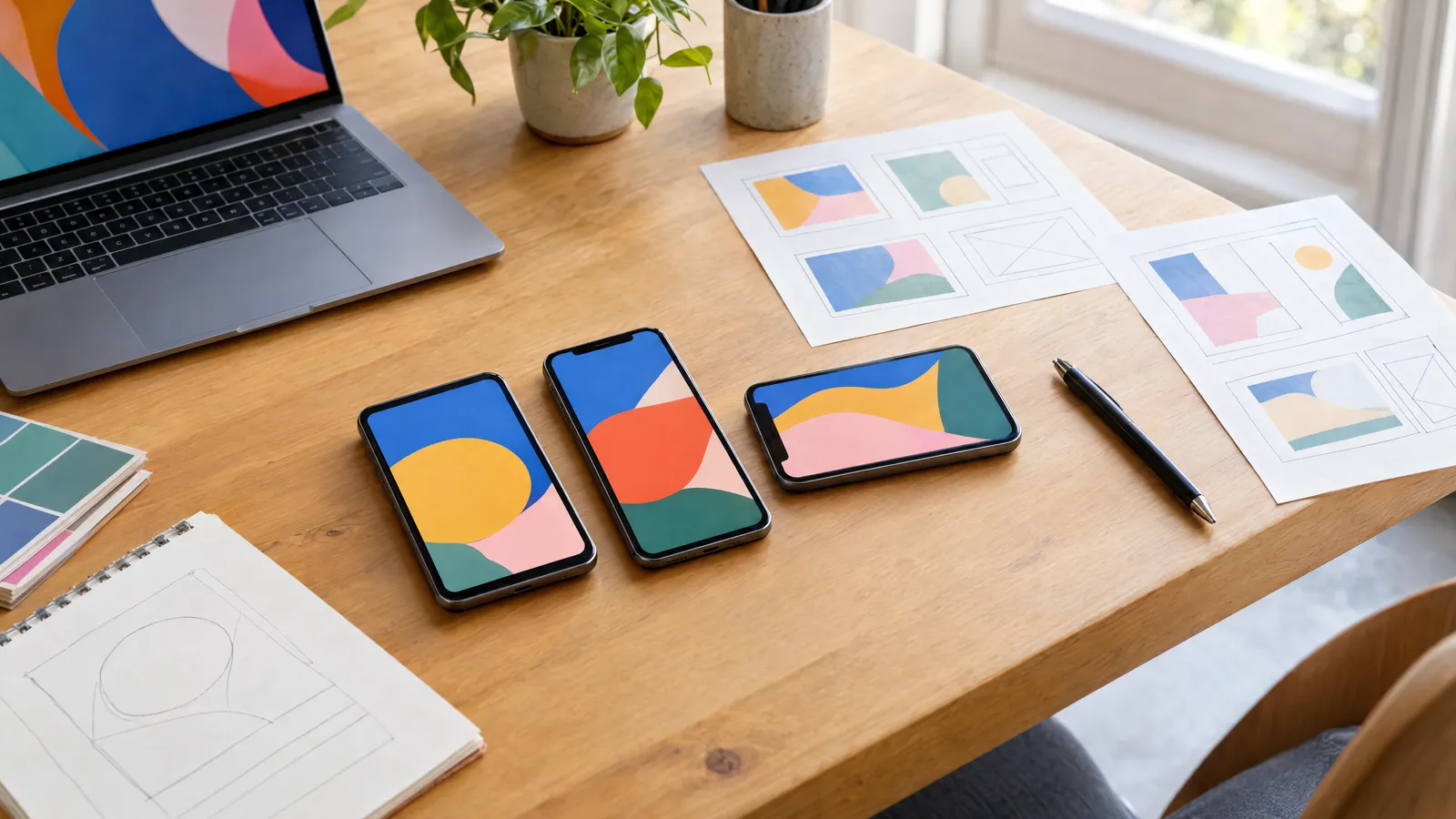
The safest social media image sizes are 1080×1080 px (1:1 aspect ratio) and 1080×1350 px (4:5) for posts, 1080×1920 px (9:16) for stories, Reels and TikTok, and 1200×628 px (1.91:1) or 1920×1080 px (16:9) for landscape graphics. Only the pixel count matters, not the DPI, so setting 72 or 300 DPI makes no difference to on-screen quality. In stories and vertical videos, keep roughly 250 px at the top and roughly 350–450 px at the bottom free of text, because the app interface covers these areas.
A graphic that looks superb on your monitor can, once published, lose its logo behind the ‘Send message’ button or have its headline cropped in the thumbnail. The cause is almost always the same: the wrong size, the wrong aspect ratio or text sitting in an area covered by the interface. Below you'll find a breakdown of pixel dimensions for Facebook, Instagram, LinkedIn and TikTok, an explanation of aspect ratios and the rules for safe zones. Bear in mind that platforms change their recommendations and cropping behaviour from time to time, so before any larger campaign it's worth checking the current guidelines in each platform's help centre.
Which aspect ratios are used on social media?
The aspect ratio matters more than the exact dimensions: the platform will rescale your graphic anyway, but if the ratio doesn't match, it will crop the image or add bars. The four core ratios are 1:1, 4:5, 9:16 and 16:9, plus 1.91:1, which is used for link previews and landscape ads.
A width of 1080 px is the standard for mobile, because apps optimise their display for that width. A larger file usually won't give a better result, as it will be compressed down to the display size.
| Aspect ratio | Size in px | Best used for |
|---|---|---|
| 1:1 (square) | 1080×1080 | All-purpose posts on FB, IG and LinkedIn, carousel ads |
| 4:5 (portrait) | 1080×1350 | Feed posts on FB and IG, takes up more of the screen than a square |
| 9:16 (full portrait) | 1080×1920 | Stories, Reels, TikTok, full-screen ads |
| 16:9 (landscape) | 1920×1080 | Landscape videos, presentations, video posts on FB and LinkedIn |
| 1.91:1 (wide landscape) | 1200×628 | Link previews, landscape ads, LinkedIn posts |
Facebook image sizes
In the Facebook feed, the 1:1 and 4:5 formats work best because they take up plenty of space on a phone. A Page cover photo displays differently on desktop (wider) and on mobile (a taller, narrower crop), so place the important elements in the central area.
Prepare the cover at double resolution, e.g. 1640×624 px, so that it stays sharp on high pixel-density screens. The profile picture is displayed as a circle, so your logo mustn't reach into the corners.
| Element | Recommended size | Aspect ratio |
|---|---|---|
| Image post | 1080×1080 or 1080×1350 px | 1:1 or 4:5 |
| Link image | 1200×630 px | 1.91:1 |
| Story | 1080×1920 px | 9:16 |
| Page cover photo | 1640×624 px (displayed at min. 820×312) | approx. 2.63:1 |
| Event cover photo | 1920×1005 px | approx. 1.91:1 |
| Profile picture | min. 320×320 px | 1:1, displayed as a circle |
| Feed ad | 1080×1080 or 1080×1350 px | 1:1 or 4:5 |
Instagram image sizes
Instagram accepts feed images with aspect ratios from 1.91:1 to 4:5, and the 4:5 portrait format (1080×1350 px) gives you the largest area on a phone screen. The profile grid shows thumbnails cropped to a portrait rectangle, so keep your headline and logo close to the centre rather than near the top or bottom edge.
Stories and Reels are 1080×1920 px. The Reels cover in the profile grid is also cropped, so place the most important cover text in the central area of the frame.
| Element | Recommended size | Aspect ratio |
|---|---|---|
| Square post | 1080×1080 px | 1:1 |
| Portrait post | 1080×1350 px | 4:5 |
| Landscape post | 1080×566 px | 1.91:1 |
| Carousel | same as the first slide, e.g. 1080×1350 px | 1:1 or 4:5, all slides in the same ratio |
| Story and Reels | 1080×1920 px | 9:16 |
| Profile picture | 320×320 px | 1:1, displayed as a circle |
LinkedIn image sizes
LinkedIn displays landscape graphics more often than other platforms, so the 1200×627 px format still feels natural here. On mobile, however, a 1080×1080 px square or a 1080×1350 px portrait shows up better, so it's worth testing both options in campaigns.
The personal profile background and the company Page cover have very wide aspect ratios, and on mobile part of the area is covered by the profile photo or logo. Move text and key elements towards the right or the centre of the graphic.
| Element | Recommended size | Aspect ratio |
|---|---|---|
| Landscape image post | 1200×627 px | 1.91:1 |
| Square / portrait post | 1080×1080 / 1080×1350 px | 1:1 / 4:5 |
| Personal profile background | 1584×396 px | 4:1 |
| Company Page cover | 1128×191 px | approx. 5.9:1 |
| Profile photo / company logo | 400×400 px | 1:1 |
| Single image ad | 1200×627, 1200×1200 or 720×900 px | 1.91:1, 1:1 or 4:5 |
TikTok image sizes
TikTok is built around full-screen portrait, so the baseline is 1080×1920 px in a 9:16 ratio for both videos and photo posts. Content in any other ratio will be displayed with bars or cropped, which looks poor in the feed.
TikTok ads are also best prepared in 9:16. The interface takes up a large part of the screen here: the like and comment icons sit on the right, while the account name, caption and music appear at the bottom.
- Video and photo post: 1080×1920 px (9:16).
- In-feed ad: 1080×1920 px, minimum 540×960 px.
- Profile picture: min. 200×200 px, displayed as a circle.
- Profile grid thumbnail: cropped to a narrower frame, so place the title in the centre.
Areas covered by the interface: the safe zone
The safe zone is the area in which your text, logo and call-to-action button are guaranteed to be visible. In vertical 9:16 formats, the top is taken up by the bar showing the account name and story progress, and the bottom by the reply field, caption or ad button. The exact size of the covered area depends on the platform, the type of format (story, Reels, ad) and the length of the caption, so treat the values below as a guide.
The simplest method is to add guides or a semi-transparent safe-zone overlay in your design software, then check the result on a phone after publishing. The background and photo can extend into the covered areas, but the content shouldn't.
- FB and IG stories (1080×1920): leave approx. 250 px free at the top and approx. 250–340 px at the bottom.
- Reels and Meta vertical ads: the bottom zone is larger, up to approx. 35% of the height with a longer caption, plus approx. 6% margin at the sides.
- TikTok: approx. 130–160 px at the top, approx. 400–480 px at the bottom and approx. 120–140 px on the right for the icons.
- Page covers: key elements in the centre, because the crop differs between mobile and desktop.
- Profile pictures: logo within a circle inscribed in the square, with a margin of a few per cent from the edge.
File format, colour and one graphic for several platforms
Prepare graphics for the web in the sRGB colour space, not CMYK, because CMYK files can look washed out once uploaded. The DPI value in the metadata makes no difference on screen; what counts is the size in pixels. For graphics with text and flat colours, choose PNG; for photos, use high-quality JPG so the platform's compression doesn't destroy the detail.
If you're publishing the same campaign everywhere, design a modular layout: the main design in 4:5, a 1:1 version and a 9:16 version with the same elements arranged vertically. You can also order ready-made 1080×1080 px post and 1080×1920 px story designs from plakaty.shop (wielkareklama.eu studio), where a package with one design proposal costs €12 and one with three costs €24.
- Text on the graphic: short and legible on a phone, ideally with letters at least approx. 40–50 px high at a width of 1080 px.
- All carousel slides in the same aspect ratio.
- Always proofread captions, phone numbers and addresses yourself before publishing.
- Platform guidelines change without notice, so check the platform's business help centre before a campaign.
Checklist
- Pixel dimensions match the placement (post, story, cover, ad)
- Aspect ratio matches the format: 1:1, 4:5, 9:16, 16:9 or 1.91:1
- Text and logo kept clear of the areas covered by the interface
- File in sRGB, PNG for graphics with text, JPG for photos
- Logo in the profile picture fits within the circle
- Captions, phone numbers and addresses proofread without rushing
- Preview checked on a phone after publishing or in the ad preview mode
- Current platform guidelines verified before the campaign
FAQs
What size is an Instagram post?
A square post is 1080×1080 px (1:1), a portrait post 1080×1350 px (4:5) and a landscape post 1080×566 px (1.91:1). The 4:5 portrait format takes up the most space in the feed. The profile grid crops thumbnails, so keep important elements close to the centre.
What size is a Facebook and Instagram story?
A story is 1080×1920 px in a 9:16 ratio. Around 250 px at the top and a similar or larger strip at the bottom are covered by the interface, so place text and logos in the middle section. The background can fill the whole frame.
How many DPI should a social media graphic be?
DPI makes no difference to graphics displayed on screen; only the pixel dimensions matter. A 1080×1080 px file looks exactly the same at 72 and 300 DPI. DPI only comes into play when printing.
What size is a Facebook cover photo?
A Page cover photo displays at a minimum of 820×312 px on desktop and in a taller crop on mobile. It's best prepared at 1640×624 px with the text kept in the centre, because the sides are cropped on mobile.
What is the best image format for TikTok?
Portrait 1080×1920 px in a 9:16 ratio, for both videos and photo posts. Leave a clear strip at the bottom (approx. 400–480 px) and on the right (approx. 120–140 px), where the caption and icons appear.
Is one 1080×1080 graphic enough for every platform?
A square works in the Facebook, Instagram and LinkedIn feeds, but it isn't suitable for stories or TikTok, which need a 9:16 portrait. It's better to produce three versions from one design: 1:1, 4:5 and 9:16.